Quickstart
Draws boxes on images from annotations in YOLO format.
Installation
Install using pip:
pip install drawyolo
Or directly from the repository:
pip install git+https://github.com/rbturnbull/drawyolo.git
Drawing boxes from labels
If you have a label file in YOLO format like this:
class_id x_center y_center width height
For example:
0 0.35 0.35 0.14 0.14
0 0.55 0.3 0.14 0.14
1 0.7 0.15 0.2 0.2
Then you can draw the boxes on an image like this:
drawyolo image.jpg output.jpg --labels labels.txt --classes class1,class2
To try it out on the image in the repository:
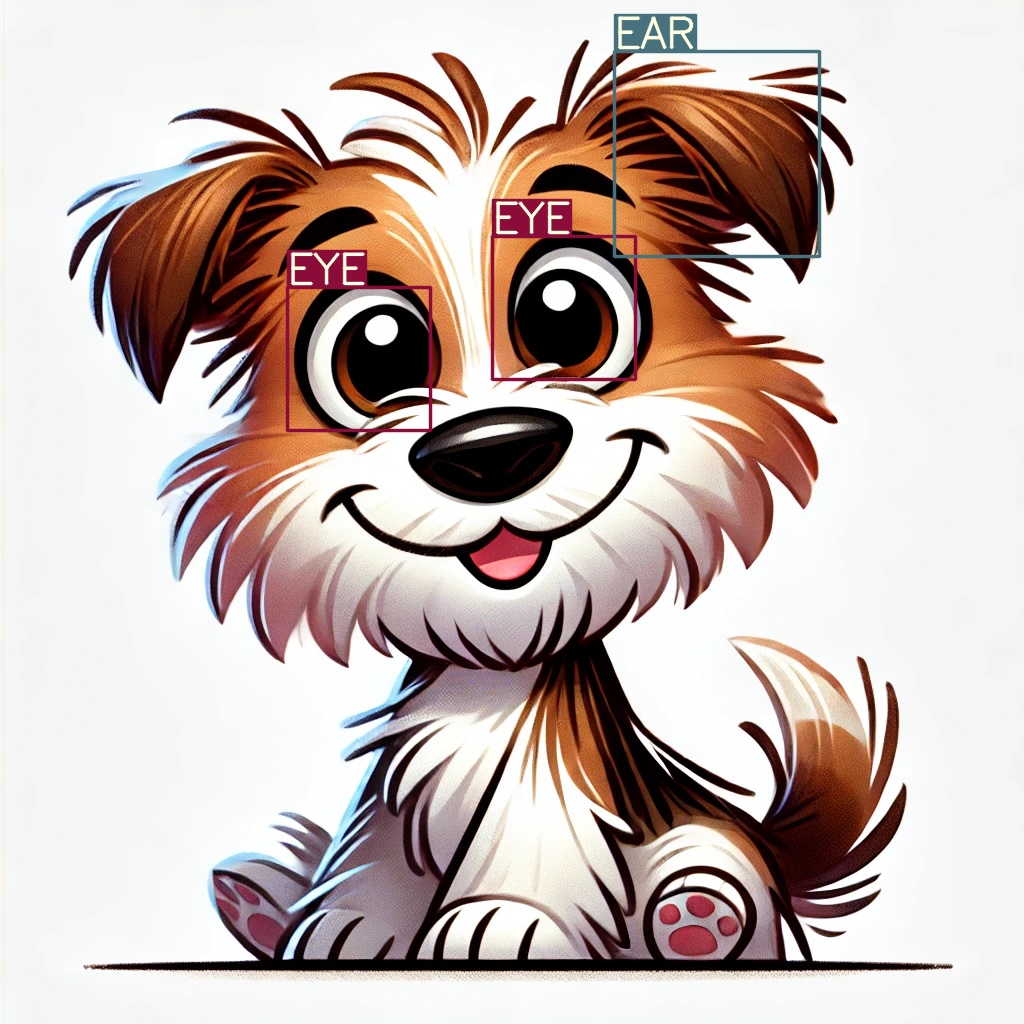
drawyolo tests/test-data/terrier.webp tests/test-data/output.jpg --labels tests/test-data/labels.txt --classes eye,ear
That will create an image like this:
To resize the image, use the --width and/or --height options.
The aspect ratio will be preserved if you do not set both --width and --height.
For example:
drawyolo tests/test-data/terrier.webp tests/test-data/output-thumbnail.jpg --labels tests/test-data/labels.txt --classes eye,ear --width 240
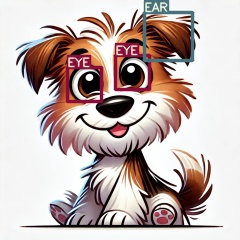
The thickness of the line will be set according to the final size of the image. You can change the thickness with the --line-thickness option.
Drawing boxes from a YOLO model
If you have a YOLO model with weights, you can draw the boxes on an image like this:
drawyolo image.jpg output.jpg --weights model.pt
You can also resize the image as before with the --width and --height options.
Advanced usage
For more options see the help
drawyolo --help